

Welcome Information for Online Students
Joining The University of Manchester as an Online Student
Lorem ipsum dolor sit amet, consectetur adipiscing elit, sed do eiusmod tempor incididunt ut labore et dolore magna aliqua.
Lorem ipsum dolor sit amet, consectetur adipiscing elit, sed do eiusmod tempor incididunt ut labore et dolore magna aliqua. Ut enim ad minim veniam, quis nostrud exercitation ullamco laboris nisi ut aliquip ex ea commodo consequat. Duis aute irure dolor in reprehenderit in voluptate velit esse cillum dolore eu fugiat nulla pariatur. Excepteur sint occaecat cupidatat non proident, sunt in culpa qui officia deserunt mollit anim id est laborum
Meet the Course Delivery Team

Lory Ipsum
Sed ut perspiciatis unde omnis iste natus error sit voluptatem accusantium doloremque laudantium, totam rem aperiam, eaque ipsa quae ab illo inventore veritatis et quasi architecto beatae vitae dicta sunt explicaboSed ut perspiciatis unde omnis iste natus error sit voluptatem accusantium doloremque laudantium, totam rem aperiam, eaque ipsa quae ab illo inventore veritatis et quasi architecto beatae vitae dicta sunt explicabo
Lory Ipsum
Sed ut perspiciatis unde omnis iste natus error sit voluptatem accusantium doloremque laudantium, totam rem aperiam, eaque ipsa quae ab illo inventore veritatis et quasi architecto beatae vitae dicta sunt explicaboSed ut perspiciatis unde omnis iste natus error sit voluptatem accusantium doloremque laudantium, totam rem aperiam, eaque ipsa quae ab illo inventore veritatis et quasi architecto beatae vitae dicta sunt explicabo
Lory Ipsum
Sed ut perspiciatis unde omnis iste natus error sit voluptatem accusantium doloremque laudantium, totam rem aperiam, eaque ipsa quae ab illo inventore veritatis et quasi architecto beatae vitae dicta sunt explicaboSed ut perspiciatis unde omnis iste natus error sit voluptatem accusantium doloremque laudantium, totam rem aperiam, eaque ipsa quae ab illo inventore veritatis et quasi architecto beatae vitae dicta sunt explicabo
Lory Ipsum
Sed ut perspiciatis unde omnis iste natus error sit voluptatem accusantium doloremque laudantium, totam rem aperiam, eaque ipsa quae ab illo inventore veritatis et quasi architecto beatae vitae dicta sunt explicaboSed ut perspiciatis unde omnis iste natus error sit voluptatem accusantium doloremque laudantium, totam rem aperiam, eaque ipsa quae ab illo inventore veritatis et quasi architecto beatae vitae dicta sunt explicabo
Lory Ipsum
Sed ut perspiciatis unde omnis iste natus error sit voluptatem accusantium doloremque laudantium, totam rem aperiam, eaque ipsa quae ab illo inventore veritatis et quasi architecto beatae vitae dicta sunt explicaboSed ut perspiciatis unde omnis iste natus error sit voluptatem accusantium doloremque laudantium, totam rem aperiam, eaque ipsa quae ab illo inventore veritatis et quasi architecto beatae vitae dicta sunt explicabo
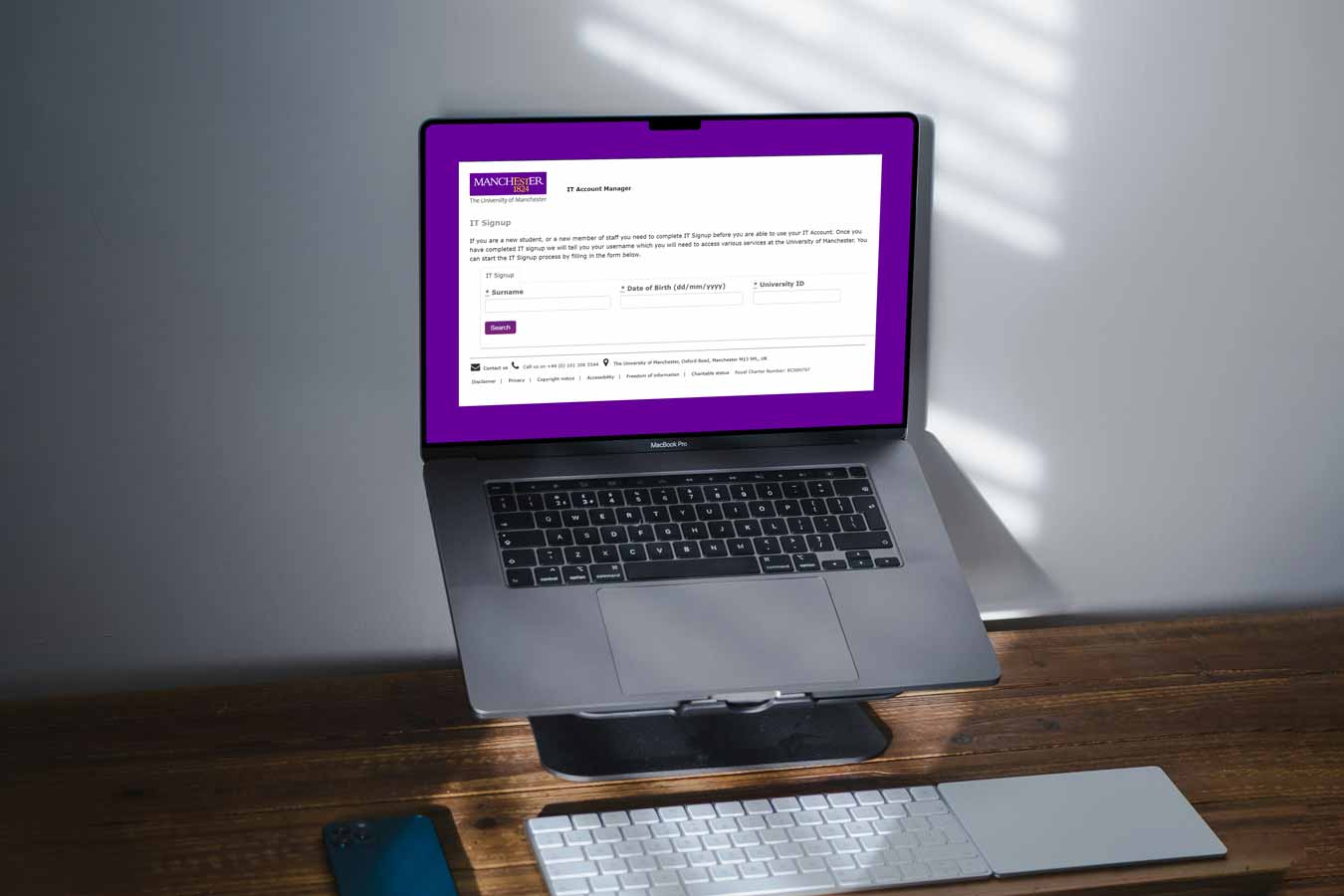
IT Signup
How to set up your IT account
You can find guidance on how to activate your IT account here: https://www.welcome.manchester.ac.uk/get-ready/become-a-student/activate-it-account/
Registration
Registering as a student
You can find guidance on how to register as a student here: https://www.welcome.manchester.ac.uk/get-ready/become-a-student/register-as-a-student/
Please note, you won’t need to collect your student card from Campus.

Tuition Fees
How to pay your tuition fees
You can find guidance on how to pay your fees here: https://www.welcome.manchester.ac.uk/get-ready/finance-and-funding/pay-your-fees/
If you are studying at one of our International Centres, your payment process may be slightly different. We will send you specific instructions on how to pay your fees.
Guidance on paying your tuition fees Guidance on paying your tuition fees

Canvas
Accessing your Virtual Learning Environment (VLE)
Canvas is the digital platform where you can find your course materials, submit work, and connect with your studies online.
This video demonstrates how you’ll use Canvas when studying an online or blended programme with us
When will I be able to access Canvas?
You will be able to access Canvas after you have completed registration. Your course units will become available in Canvas a week before the start date of the unit. Please refer to your Programme Schedule to see which units you will be taking during the programme.
Workload and student support
Supporting you through your online study journey
For most of our online part time courses, you’ll need to spend around 15-20 hours per week studying. This will be a mixture of online tutorials, working through content such as videos and text and self-study, including reading and preparing for assessments.
We’re here to support you throughout your student journey and help you make the most of your time as a University of Manchester student. If we notice that you have not logged in recently, we’ll get in touch to see if you need any support or advice with your studies.
We appreciate that juggling work, personal commitments and studies can be a challenge! Please let us know if you are struggling with your workload so we can help you get back on track.

Online Tutorials
Live online teaching and learning
Each unit includes online tutorials to support your studies. These are delivered by academics and give you the opportunity to ask questions and engage with your peers.
Tutorials will be run in Microsoft Teams and links to join tutorials will be provided in Canvas. You can find the tutorial dates in the Key Dates section of the course unit in Canvas. If you miss a live online tutorial for any reason, all non-interactive sessions are recorded and uploaded to Canvas so you can access them later.

Your University Email Account
Accessing your University email account
You can find guidance on how to access your University email account here: https://www.itservices.manchester.ac.uk/ourservices/email/
You will be able to access your email once you have completed registration. Once your University email account has been set up, we will only use this account for any correspondence so please make sure to check it regularly.
Library Resources
Accessing your library resources
You have full access to The University of Manchester Library. You can either access the resources remotely or go into any library building if you are on campus in Manchester using your student ID card.
The Library’s ‘My Learning Essentials’ programme offers workshops (online and face to face) and online resources to support with developing study skills.
The University of Manchester Library The University of Manchester Library My Learning Essentials My Learning Essentials

Microsoft 365
Free access to the Microsoft 365 Suite
As a University of Manchester student, you will have free access to the full Microsoft 365 Suite, Word, Excel, PowerPoint, Teams and OneNote as well as other applications which are available for offline and online use.
For more information and download instructions, visit the IT website.

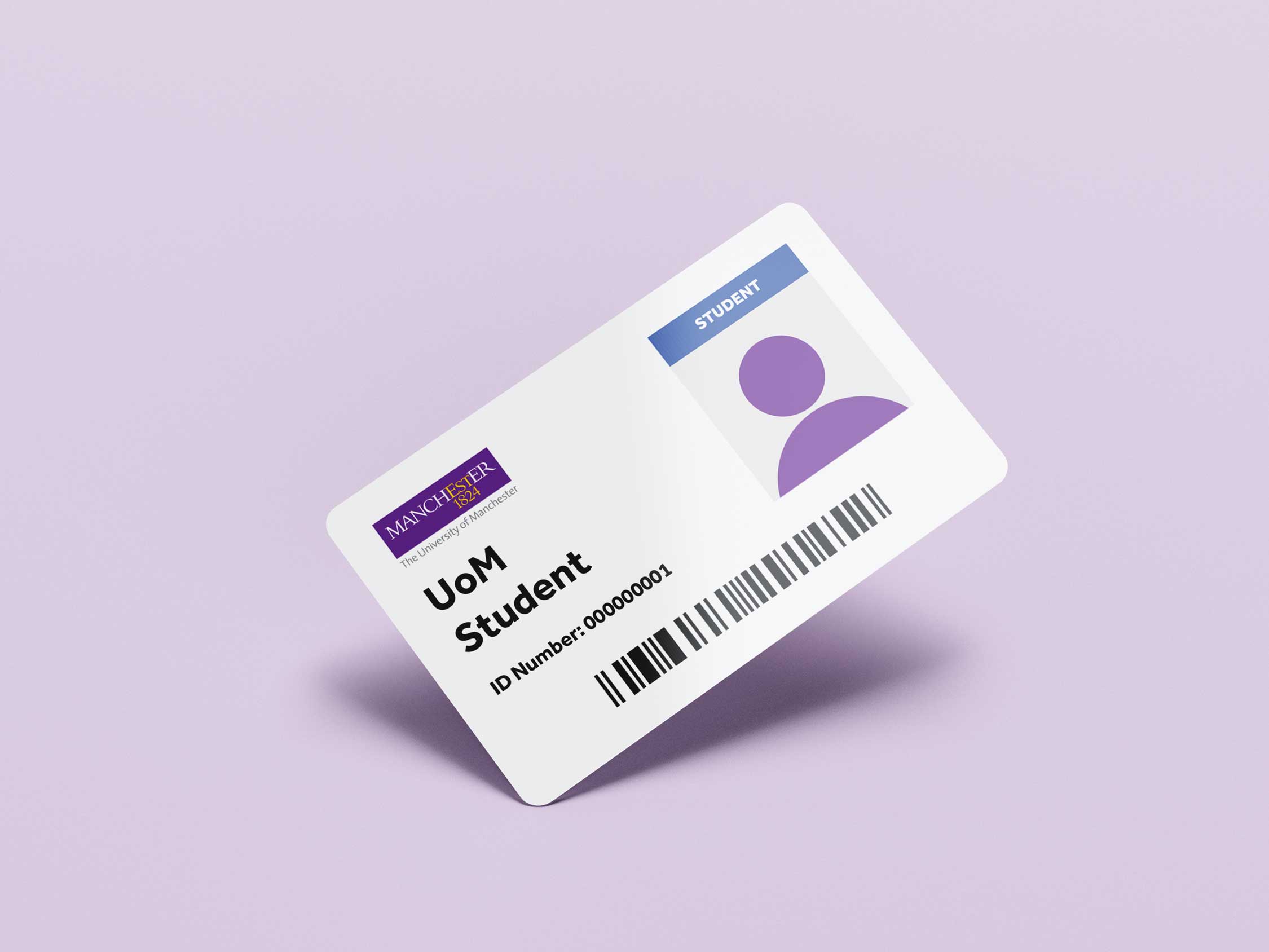
Student ID Cards
Getting your Student ID card
Once you have completed all ten steps of registration, your student card can be issued. To obtain a student card you should:
- Upload a photograph via This link
- Request your card using this online form
If you are studying at one of our International Centres, your student card will be posted to your centre.
Welcome Resources
Useful resources for getting started
We’ve put together some resources we think you’ll find helpful getting started with your studies at Manchester

New Student Activity Checklist
We know there’s a lot to remember so we’ve put together a handy checklist so you don’t forget anything. You can download this document and use it to keep track of your progress.
Download New Student Activity Checklist Download New Student Activity Checklist